Updating a Sony AXS-R7 5.0 for Venice 6.3
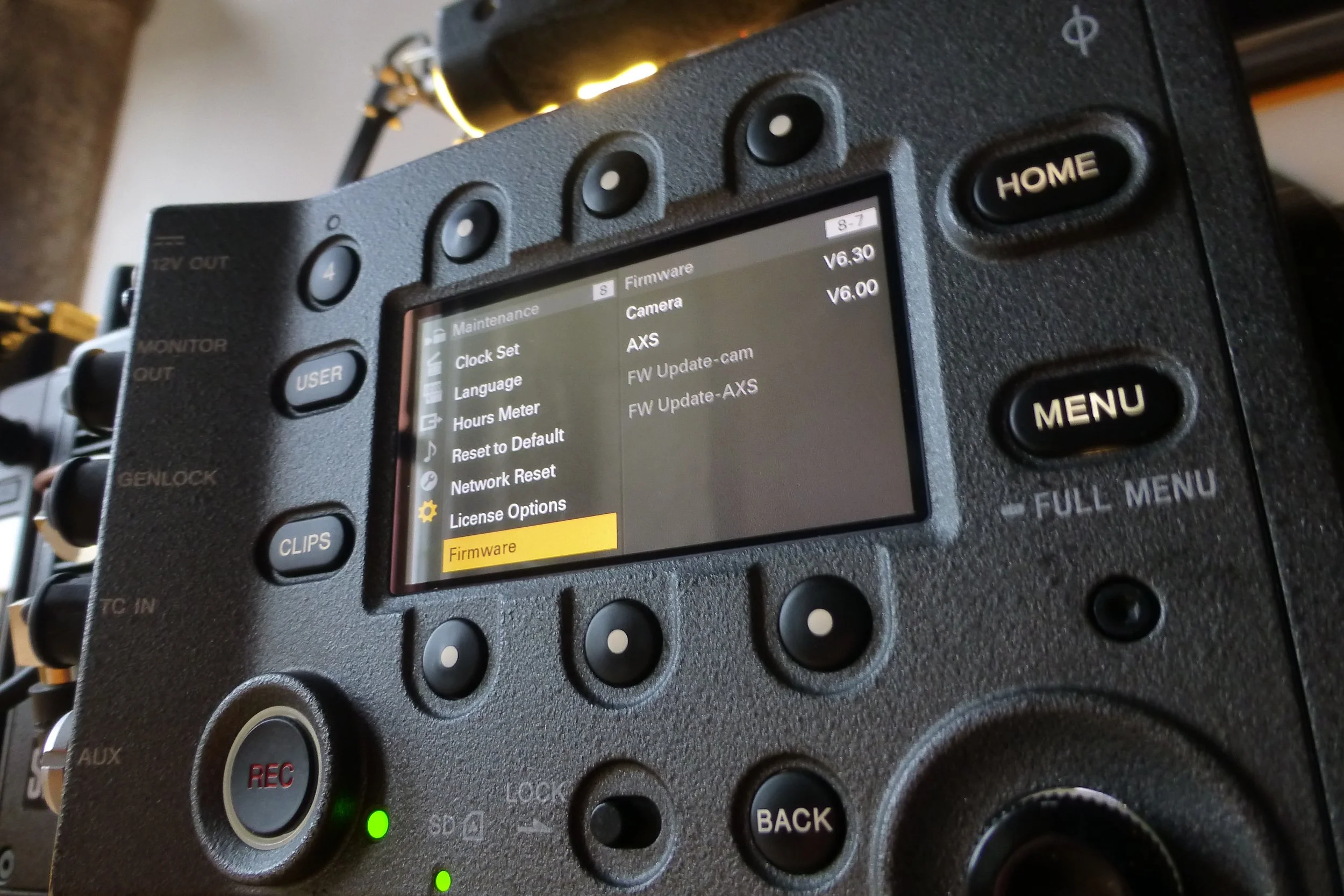
This isn’t a great story. It is a useful one.
What follows isn’t a love letter to kit or a poetic meditation on cinema cameras. It’s a technical puzzle, the sort that eats half a day, your patience and a chunk of faith in AI and online documentation. I’m writing this so if you ever find yourself in the same situation, you don’t have to go through the same thing.
The issue and answer right up front:
If you’re upgrading an AXS-R7 that’s on firmware v5.0 (or earlier) to v6.0 for use with a VENICE on 6.x, and the update keeps failing, to fix, simply re-flash the latest v5 firmware first, even if the recorder already reports v5.0. Then run the v6 update again. It works.
That’s the solution. Everything below is how I got there and a from of therapy.
The Issue
VENICE body updated to firmware 6.3.
AXS-R7 attached, still on firmware 5.0.
Camera boots and immediately throws “AXS mismatch firmware.”
No recording, no formatting, no forward progress.
Sony documentation is very clear that VENICE 6.x expects the R7 to be on firmware 6.0, so the task seems obvious: update the R7.
Except… it doesn’t work.
What Didn’t Work
Updating the R7 via USB through the VENICE host.
Multiple USB sticks. Different brands. Different sizes.
Fresh firmware downloads. Verified checksums.
MBR, FAT32, single partition, clean root.
macOS Disk Utility. Terminal formatting. Allocation sizes poked and prodded.
The update would start, sometimes get a minute in, sometimes fail almost immediately, then roll back. Every time.
AXS cards weren’t an option either — the AXS-CR1 reader is read-only by design, so you can’t prepare update media on a computer even though the cards themselves are perfectly healthy.
At one point the R7 would boot with a blinking tally light, half-alive, half-ignored by the camera. Occasionally the AXS menu would appear, teasingly, then vanish again on reboot.
Classic firmware purgatory.
What the documentation does say (but doesn’t emphasise)
Buried in Sony’s own update notes and manuals is a pattern that’s easy to miss:
The AXS-R7 has historically required incremental firmware stability when jumping major versions. There are references to v5.01 builds, internal revisions and update behaviour that assumes the previous firmware layer is clean — not just present.
In other words: being “on v5.0” is not the same as having a healthy v5 firmware state.
The Hail Mary
Instead of pushing harder toward v6.0, I went backwards.
I took the latest v5 firmware (the same version the recorder already claimed to be on) and ran the update again, as if I were upgrading from scratch.
This time, the update didn’t fail after 30 seconds.
It didn’t fail after a minute.
Three minutes passed.
Then four.
Then six.
It completed.
The camera rebooted. The R7 didn’t power down with it — which, at this point, felt on-brand. I fully power-cycled everything. Battery out. AC off. Cold start.
The mismatch error was still there… but now something was different. The system felt reset, not stuck.
The actual fix
With the freshly re-flashed v5 firmware in place, I ran the v6.0 update again.
This time:
No immediate failure
No rollback
No drama
Two minutes passed. Then three. Then… done.
Full power cycle.
Reboot.
No mismatch error.
AXS media recognised.
Recorder fully operational.
Why this works
The most likely explanation — and the one that matches Sony’s historical behaviour — is that some early v5 firmware installs leave residual state that the v6 updater doesn’t tolerate. Re-flashing v5 effectively cleans the slate, allowing the v6 update to apply cleanly.
It’s not documented clearly. It’s not suggested in any troubleshooting guide. But it works.
If you’re stuck upgrading an AXS-R7 from v5 to v6 and keep hitting failures:
Don’t keep retrying v6.
Re-install the latest v5 firmware first.
Then run the v6 update.
It’s counter-intuitive. It’s annoying. And it will save you hours.
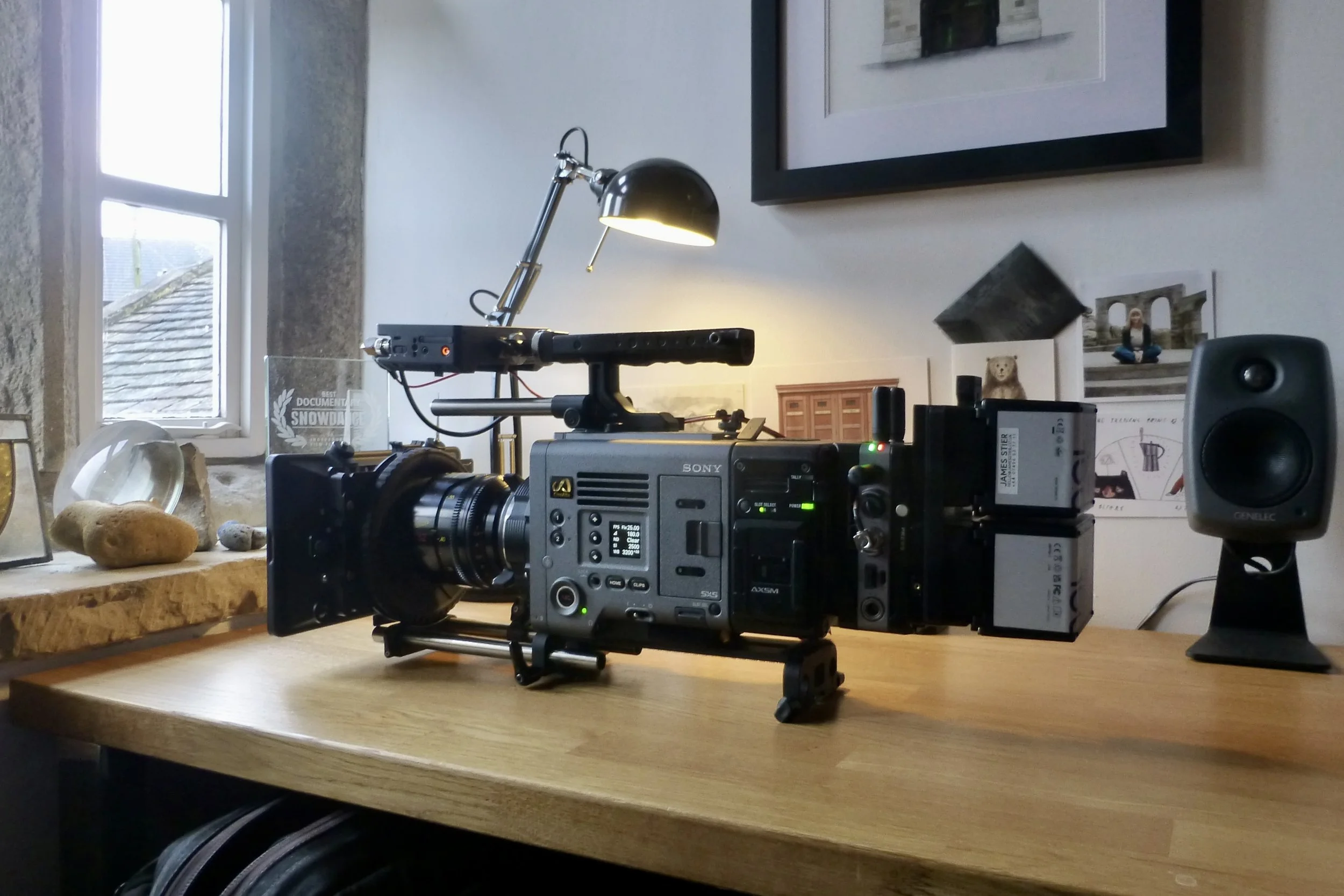
Fixed!